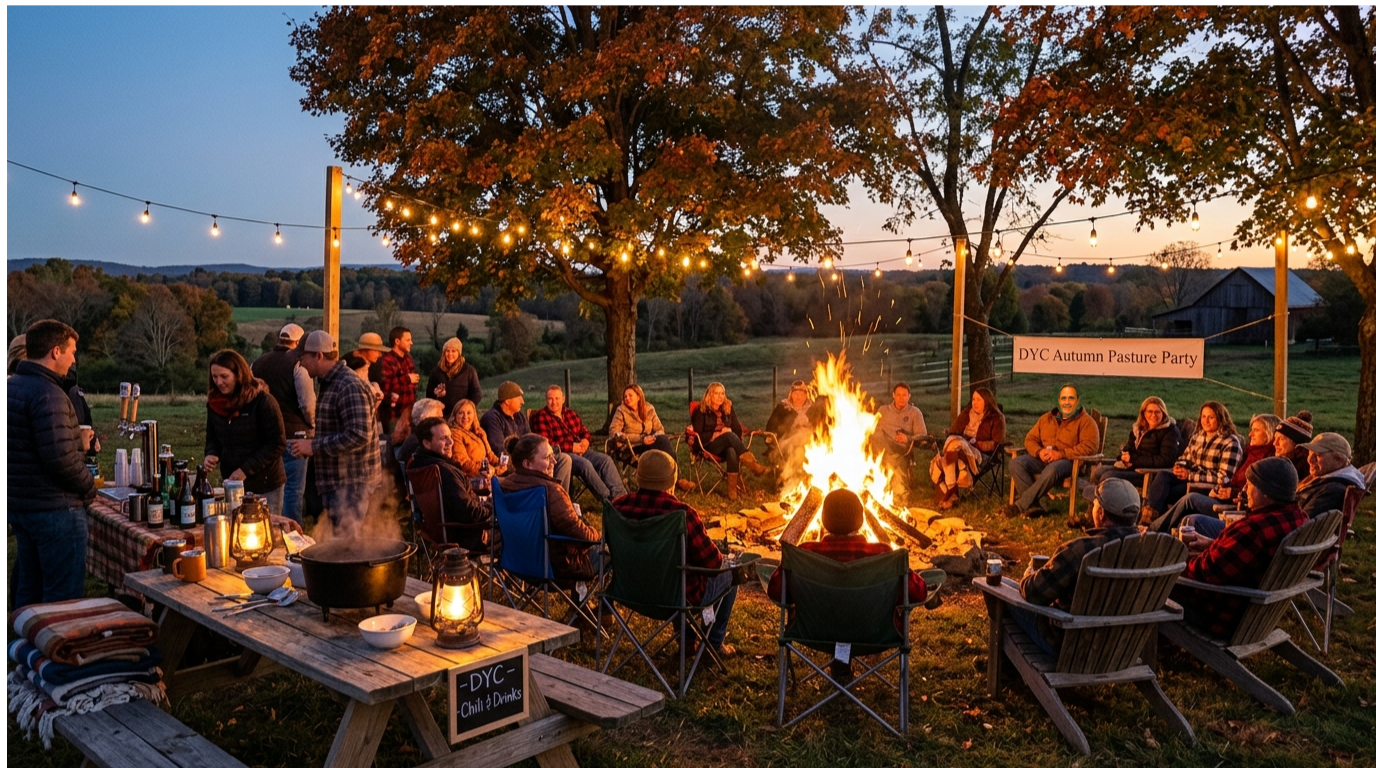
RSVP by November 1st to ensure we have an accurate headcount for meats, chili, and beverages.
The Sails are Down.
The Party is On!
Come celebrate the official end of the 2026 sailing season. Trade your deck shoes for boots
and join your fellow club members for food, drinks, a massive bonfire, and great company off
the water.
RSVP below for the annual DYC Pasture Party by November 1st so the Social
Committee can purchase the right quantities of meats, hearty chili, craft beer, and cider.
👥 Attendee & Headcount Roster
Verified member RSVPs and potluck contributions synced with the Google Sheet.
0
Total Attendees
0
RSVP Parties
0
Adults
0
Children
0
Potluck Dishes
Member Name
Headcount
Potluck Dish / Item
Contact Email
Status
🍲 Party Offerings, Drinks &
Event Logistics
Everything provided by
the club, potluck details, bonfire guidelines, and location instructions.
🥩 What We Are Providing
Provided by Dahlgren
Yacht Club:
🥗 What to Bring (Potluck & Gear)
What members bring
for comfort and sharing:
🍺 Beverages & Bar Policy
🔥 Location, Schedule & Bonfire Rules
🔒 Social Committee Authentication
Enter coordinator PIN to post live bulletins,
update event status, and broadcast email notifications to all registered attendees.
⚙️ Social Committee Bulletin Console
📊 Event Metadata & Connected Google Sheet
Event title, date, location, and live roster can be centrally synchronized with a
connected Google Sheet (with the 4-tab Config,
Registrations, Announcements, Archives
model).
Saturday, November 7, 2026 (5:00 PM until the fire burns out)
Current Event Location
Polachak Residence, 13200 Midway Dr, King George, VA
💡 To update backend: Deploy Apps Script with standard
scripts/dyc-hub-apps-script.gs.
🖼️ Landing Page Feature Banner Image
Customize the hero illustration banner shown on the Pasture Party landing page. Edits are
protected by your Social Committee PIN and saved to the event database.
Current: /images/wm_pp.png
🍲 Menu & Event Logistics Editor
Customize the food offerings, member potluck suggestions, beverages, and logistics displayed
on the Food, Drinks & Logistics tab.
📦 Archive Event & Reset for Next Season
Permanently archives the current party roster and bulletins into the Archives
sheet.
🖼️ Customize Landing Page Banner Image
Fastest
and reliable for all members on all devices.
💡 Club image tip: To use any new photo permanently, place the file in the
website's public_html/images/ folder (e.g.
/images/my_bonfire_photo.jpg) and enter that path here. This updates Google
Sheets so all members see it.
Auto-optimized
for banner
ℹ️ Local Photo Staged: The image was compressed and stored for this browser
so it will stick after refresh. To make it permanent for all club members across devices,
also copy the image file into the site's images/ folder and use Option 2 above.